
Calculations that read like your notebook and recalculate like a spreadsheet.
Write math the way you learned it, with units on every value. Change one input and every result below it updates. Share a link, export a PDF, or drive your Autodesk Fusion models from the same sheet.
No install. 14-day Business trial on sign-up, no card needed.
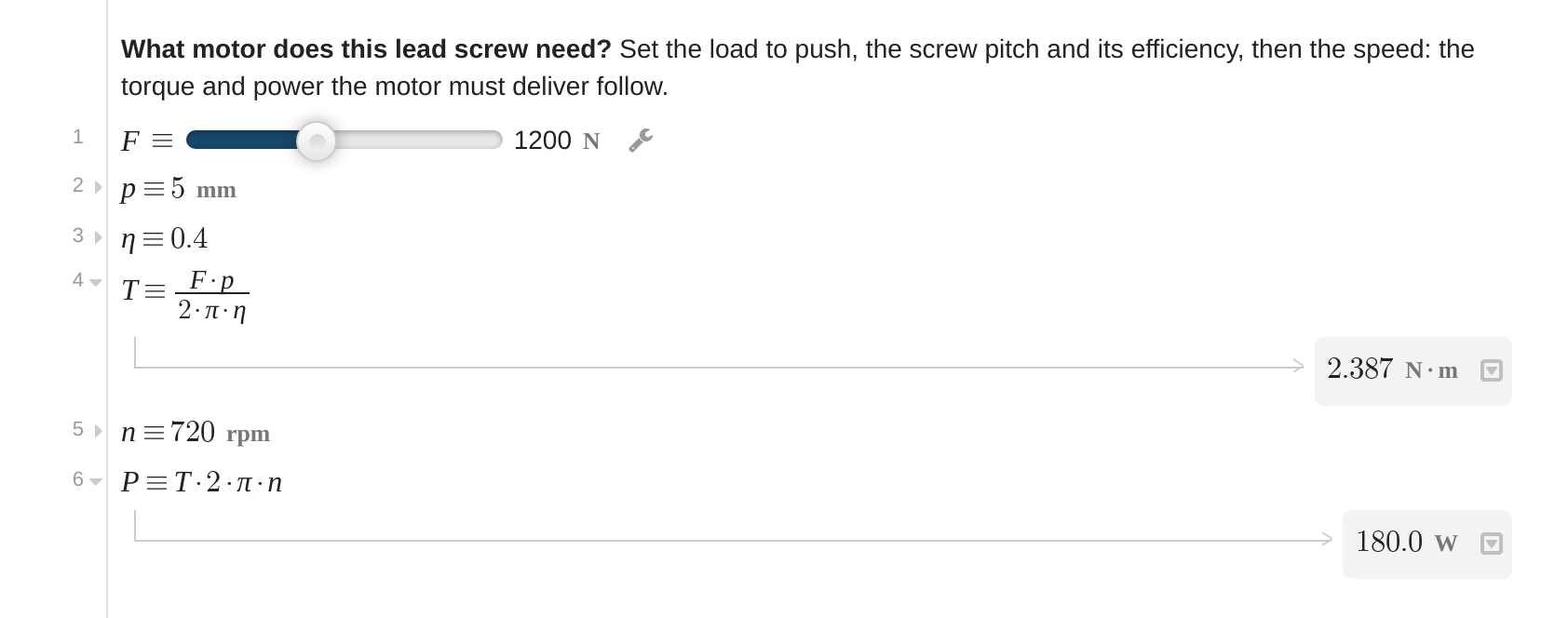
Textbook notation, not code.
Fractions, exponents, subscripts, Greek, matrices: type them and they look like the page in your handbook. Every value carries its unit; results come out in the unit you ask for, and mixing newtons with feet is caught on the line.
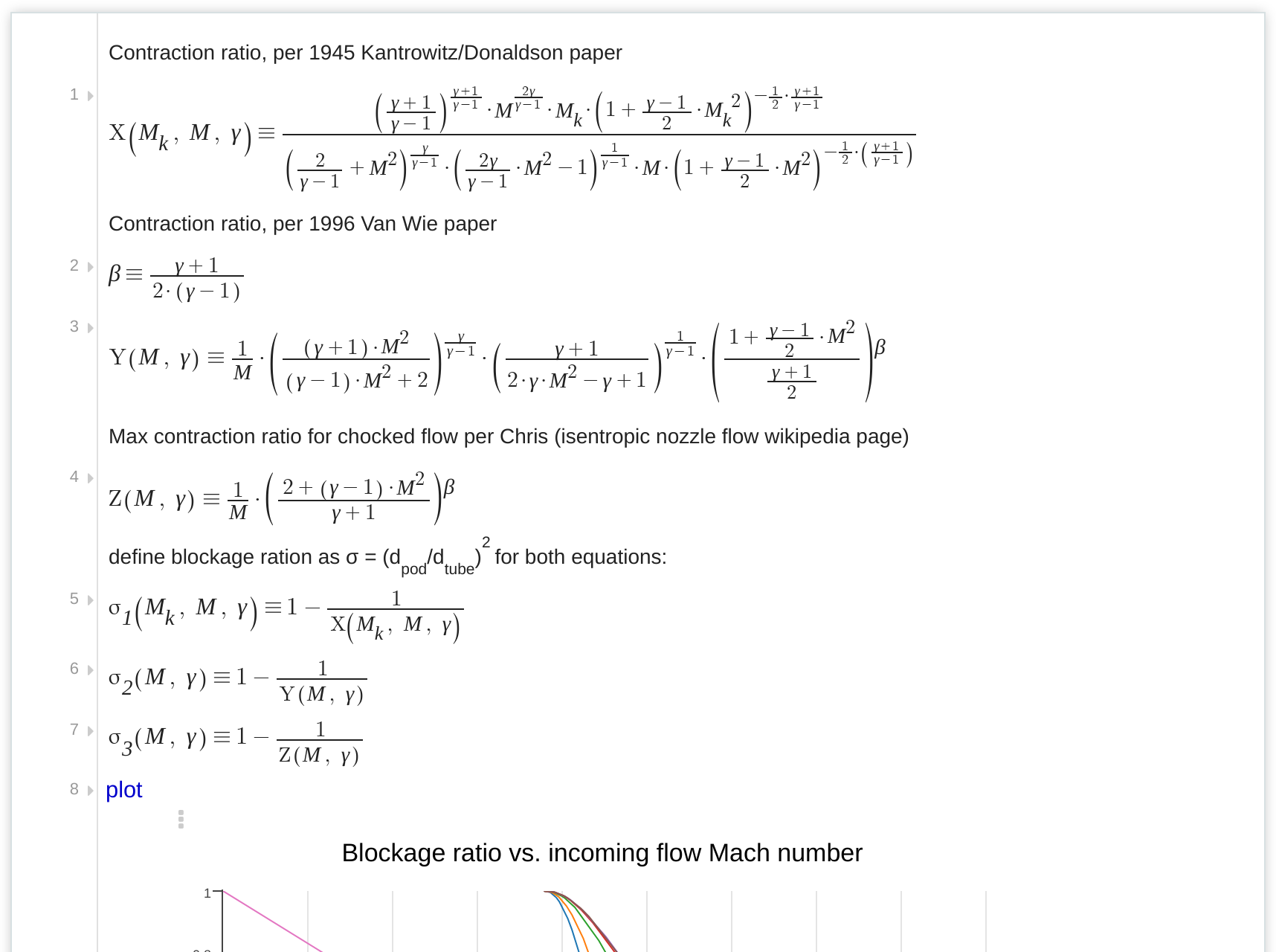
Numeric and symbolic solvers, one line each.
Solve an implicit equation for a friction factor, fit a regression, integrate, interpolate, or let the symbolic engine simplify. Every line sees the variables above it, so change an input and everything below it updates, with a version saved every ten minutes.
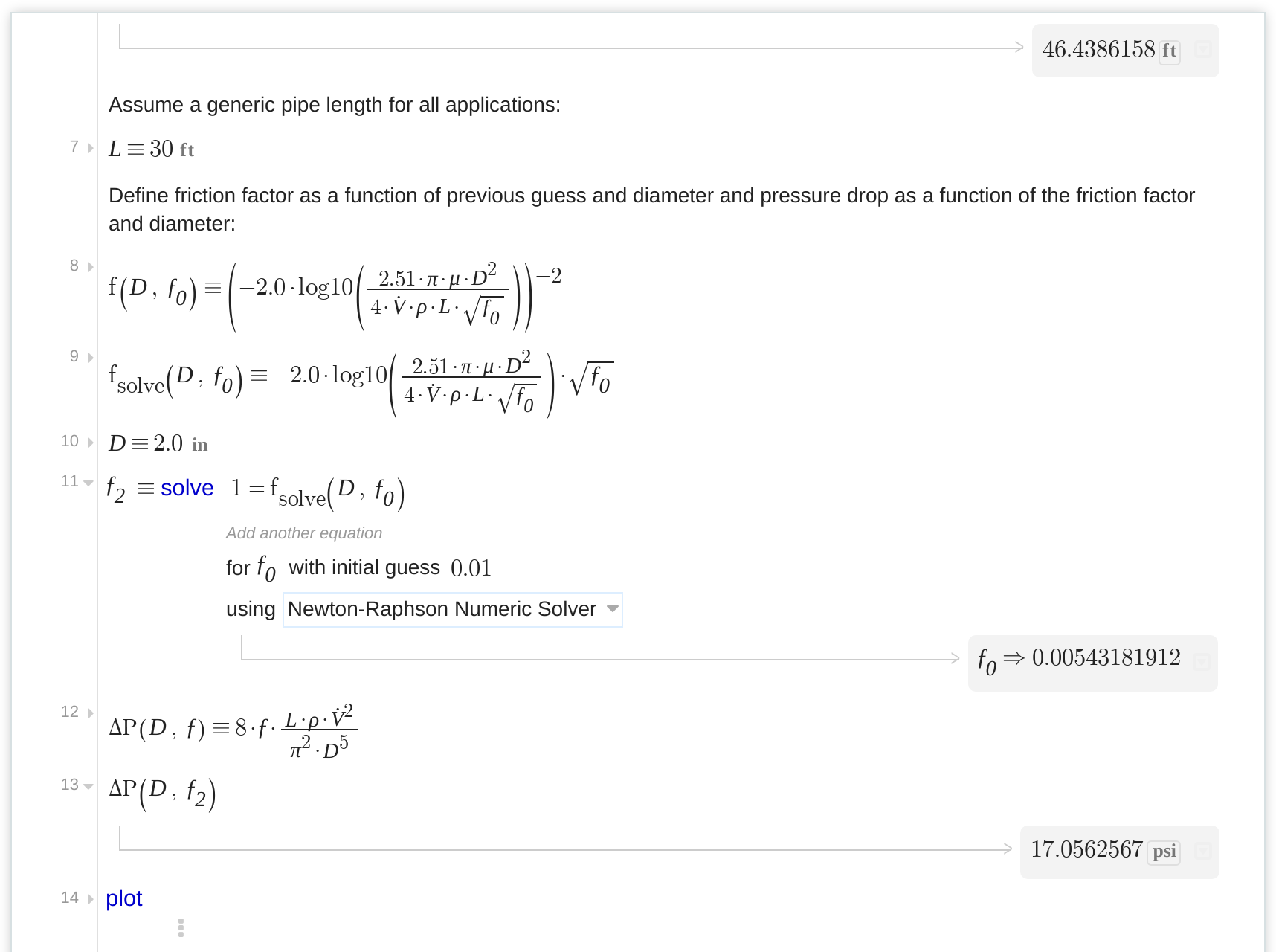
See the design space, not one answer.
Plot functions and data against each other with units on the axes. Put a slider on an input and drag it: results and plots follow live, so a what-if takes a second instead of a copied spreadsheet.
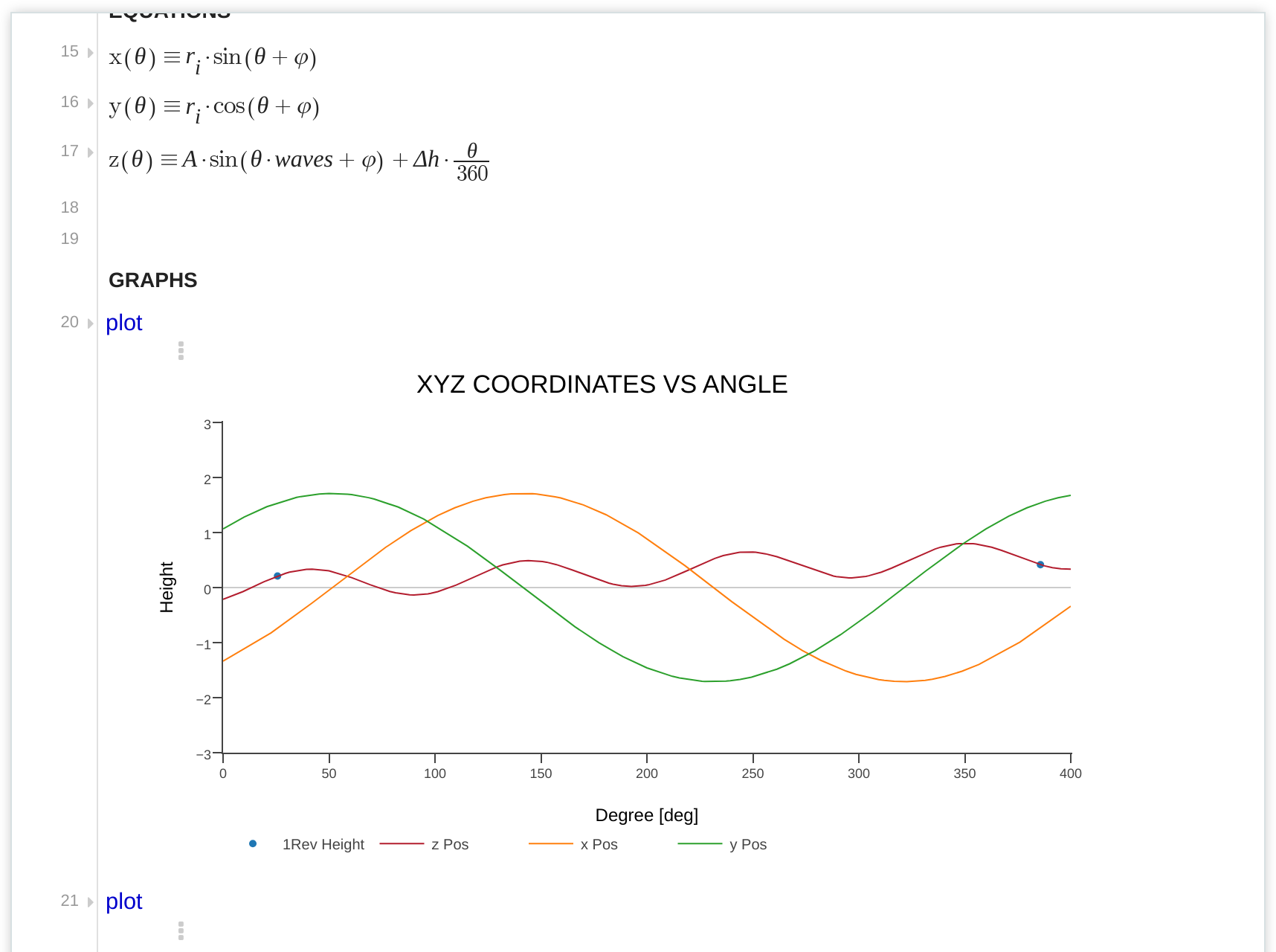
A link is the whole calculation.
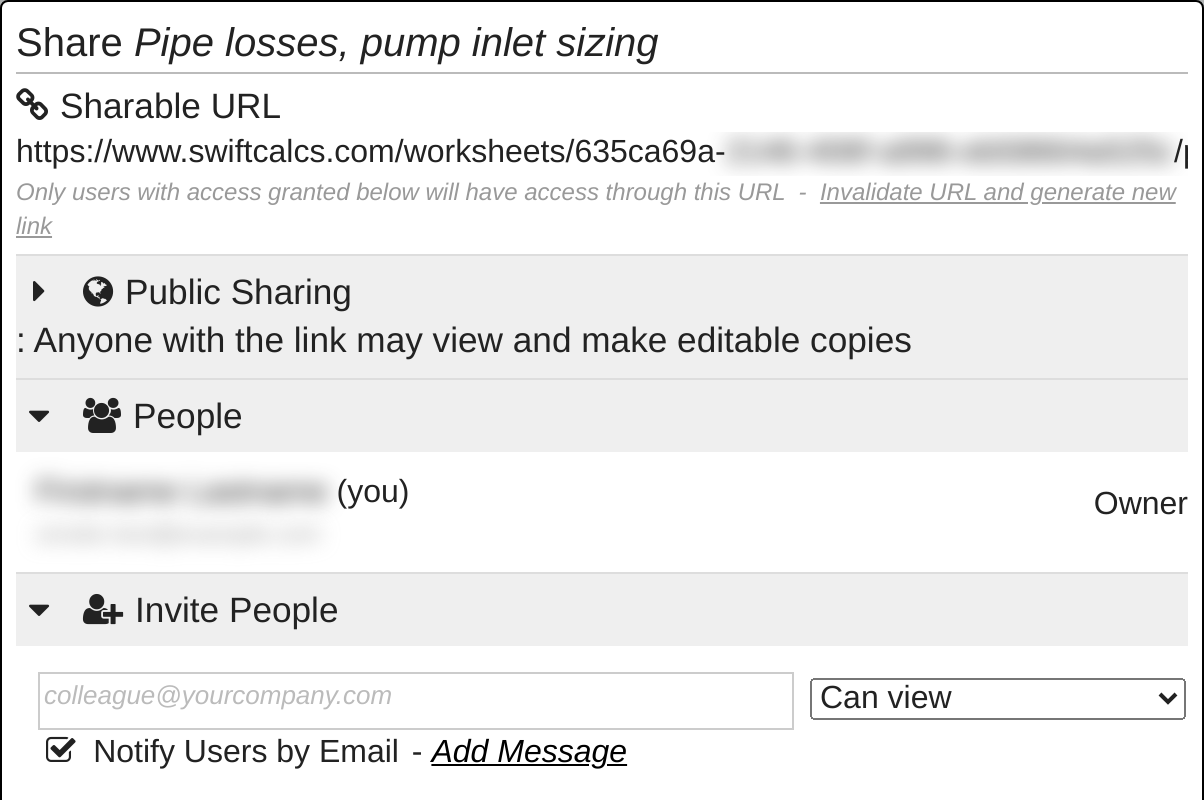
Share a worksheet read-only or for editing, export a PDF with your header, or publish it so colleagues can copy it and change the inputs. Material and reference libraries, and your own worksheets, can be included in any other sheet.
Drive Autodesk Fusion from the sheet.
Connect a worksheet to a Fusion design. Its variables become the model's user parameters, so the calculation and the geometry never drift apart.
 AutodeskFusion
Start from a real calculation
Public worksheets shared by engineers. Open one, copy it, make it yours.
Simple plans, one tool
Every plan has the full math engine, units and the equation library.
Professional$29 User / moIndividuals or SmallTeams of 1 to 5 14-day Free Trial |
Business$ 49 User / moBusiness Users orTeams of Any Size 14-day Free Trial |
||
| Compare Plans | |||
| Swift Calcs Core Features | |||
| Human Readable Mathematics | |||
| Advanced Math Engine | |||
| Full Unit Support in Calculations | |||
| Include Variables From Other Worksheets | |||
| Engineering Materials Database | |||
| Thermodynamic Properties Database | |||
| Collaboration Features | |||
| Access Files Anywhere, Anytime | |||
| Open-Source Worksheets | |||
| Private Worksheets | |||
| Collaborators per Worksheet | 4 | Unlimited | |
| Team Sharing Options | |||
| Cleaned output when printing | |||
| Plugins and Connections | |||
| Autodesk Fusion | |||
| Support | |||
| Online Forums and Knowledgebase | |||
| Priority Email Support | 2 tickets per month | ||
| Priority Feature Development | |||
| Security | |||
| Full SSL encryption between you and Swift Calcs | |||
| View-Only Permissions | |||
| View-Only and Copy Permissions | |||
| Ability to Invalidate and Reset URLs | |||
| File Revision History | Up to 1 week | ||
14-day Free Trial |
14-day Free Trial |
||
Annual billing: ten months for the year. Looking for an education, non-profit or enterprise plan? Contact us.
Your next calculation, in the browser in a minute.
Open a blank worksheet or copy an example. No download, nothing to configure.